
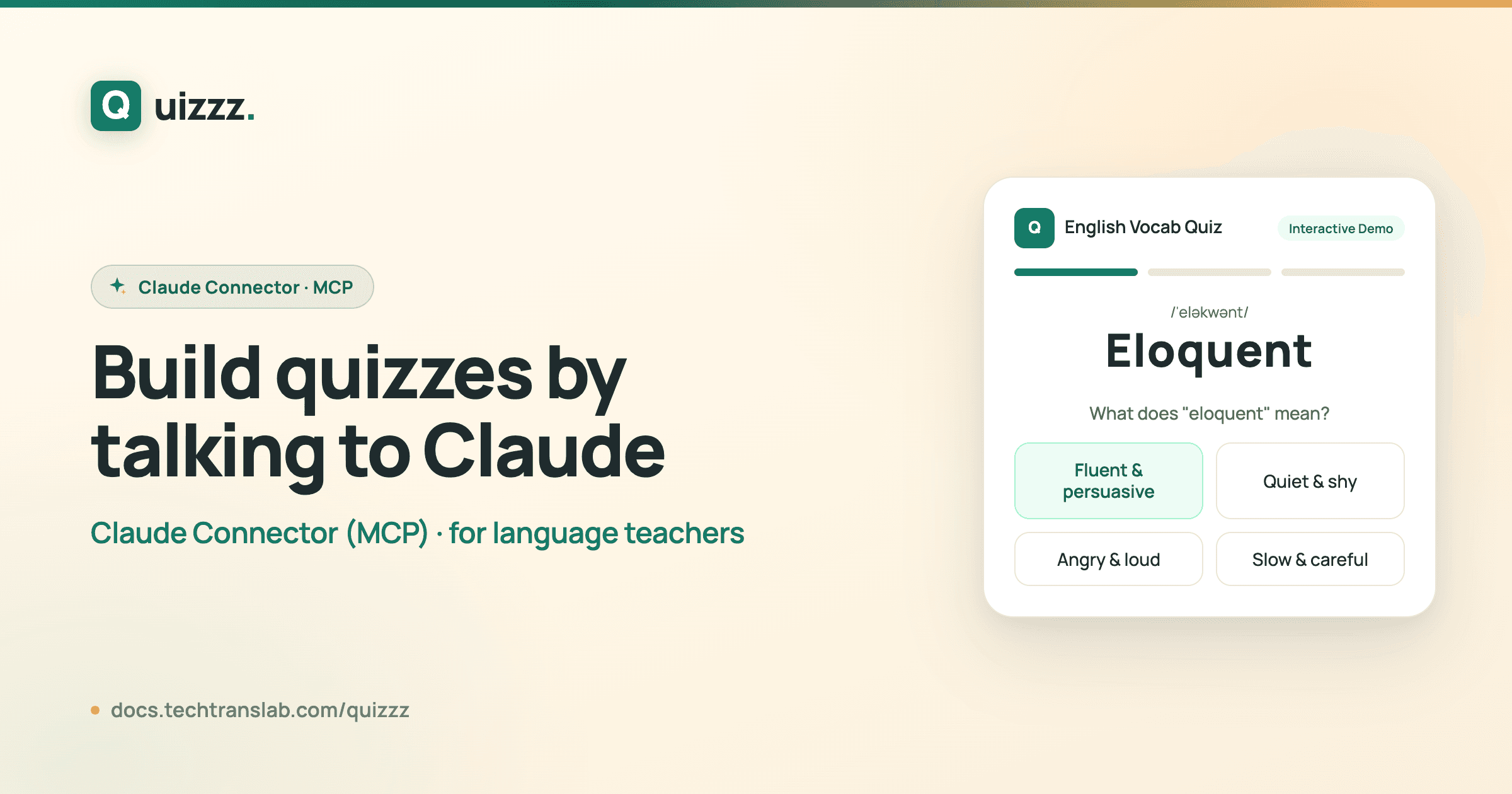
"Make a 10-question quiz about the water cycle and give me a share link." You type that into Claude, and a minute later it hands you a ready-to-send exam link for your class.
That is the Quizzz Claude Connector — a new way to run your teaching account by simply talking to Claude. No dashboard hunting, no copy-pasting, no API keys.
👉 Open Quizzz · Start free · Set-up guide
Best in Claude Cowork
The easiest way to use this is Claude Cowork — Anthropic's desktop app built for non-developers doing real work. No terminal, no code: you chat, Cowork does the clicking. (It also works in the Claude desktop and web apps.) For a busy language teacher, that means quiz admin becomes a conversation.
What it is
The connector is built on the Model Context Protocol (MCP), the open standard Claude uses to work with outside tools. Once you add it, Claude can act on your Quizzz account on your behalf — but only after you sign in once and approve it. Everything Claude does is scoped to your account and nobody else's.
What you can do
After connecting, you can ask Claude — in everyday language — to handle the work that usually means clicking around the dashboard:
Quizzes. List your existing quizzes, read the full questions and answers of any one, create a brand-new multiple-choice quiz (Claude writes the questions, Quizzz validates and saves them — up to 100 questions), or update and delete quizzes.
Students. See your roster, add a student by name and email, or remove one. Duplicates are matched by email, so you never end up with the same student twice.
Assignments and share links. Turn any quiz into an assignment and get a shareable exam link — either one public link anyone can open, or a personal link for each student you choose. You can rename a link's slug or delete an assignment, all by asking.
Results. Pull completed exams back with student, quiz, and score, so "who hasn't finished the midterm yet?" is a question you can simply ask.
Set it up in 30 seconds
- Open Claude Cowork (or the Claude desktop / web app) and go to Settings → Connectors.


- Choose Add custom connector and paste the URL:
https://quizzz.techtranslab.com/api/mcp

- Sign in with your Quizzz teacher account, review what Claude will be allowed to do, and click Allow.

That's it — no key to copy, nothing to configure. New to Quizzz? Create a free account first ↗.
Try these prompts
- "List my five most recent quizzes."
- "Create a quiz titled Photosynthesis Basics with 8 multiple-choice questions, then give me a public share link."
- "Add a student named Mei Lin ([email protected]) and send me her personal link for the Photosynthesis quiz."
- "Show me the results for my latest assignment, sorted by score."
Your data stays yours
The connector acts as you and only you — it can never see or touch another teacher's data. It also does not spend any Quizzz AI credits: when Claude builds a quiz, Claude writes the questions itself, and Quizzz simply validates and stores them. Prefer programmatic, server-to-server access instead? The connector sits alongside our regular REST API.
You can disconnect any time from Settings → Connectors in Claude.
Ready to try it? Open Quizzz ↗ and follow the full setup guide ↗.